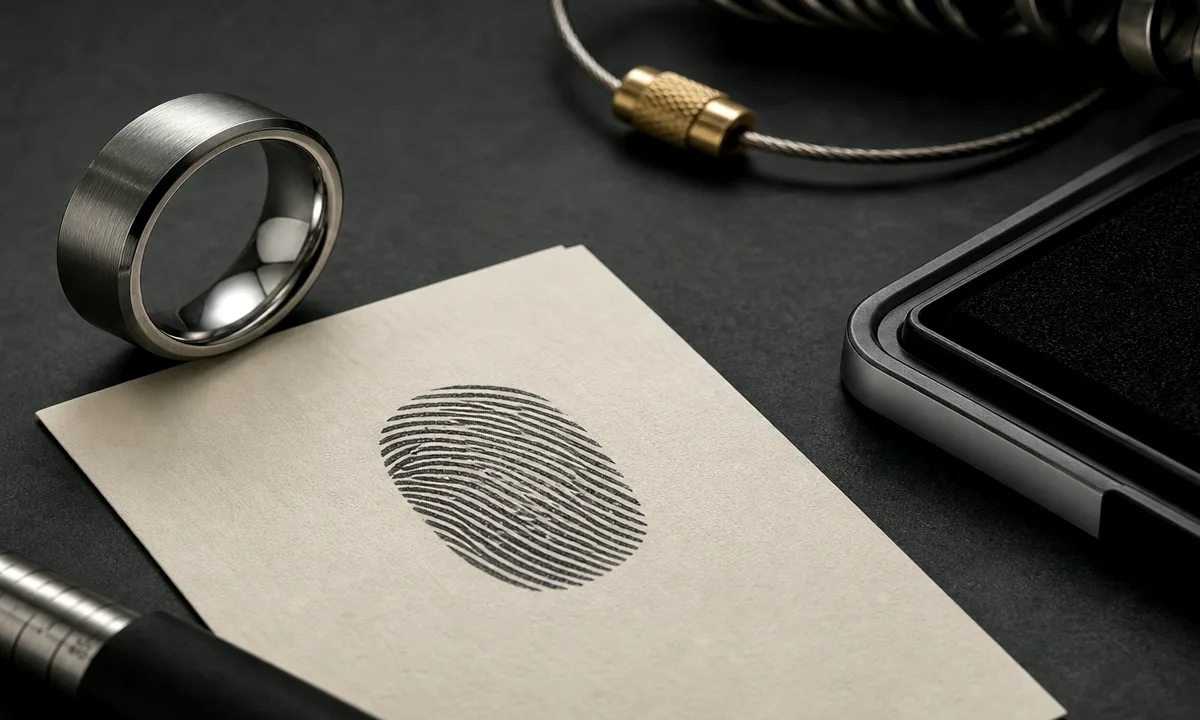

A memorial fingerprint ring depends on one small source image carrying a large amount of meaning. That makes the photo check more than a technical step; it is how you protect the part of the person that the ring is supposed to preserve.
Begin with the highest-resolution image you can find. A fingerprint card, funeral home scan, legal document copy, or clear phone photo can all work, but screenshots and message-app downloads often lose the ridge detail first.
Look for ridge flow before you look for perfect edges. The print can have smudges and still be usable if the loops, arches, or whorls remain clear enough to simplify.
Crop the strongest section rather than forcing the whole fingerprint onto the band. A smaller clean area usually feels more personal than a full print that becomes muddy at ring scale.
Check the image in grayscale. Shadows, skin tone, paper color, and scanner warmth can distract the eye, while a plain contrast check shows whether the engraving path has enough information.
If the print came from a treasured document, save an untouched copy before editing. Work from a duplicate so the original memory source remains intact for the family.
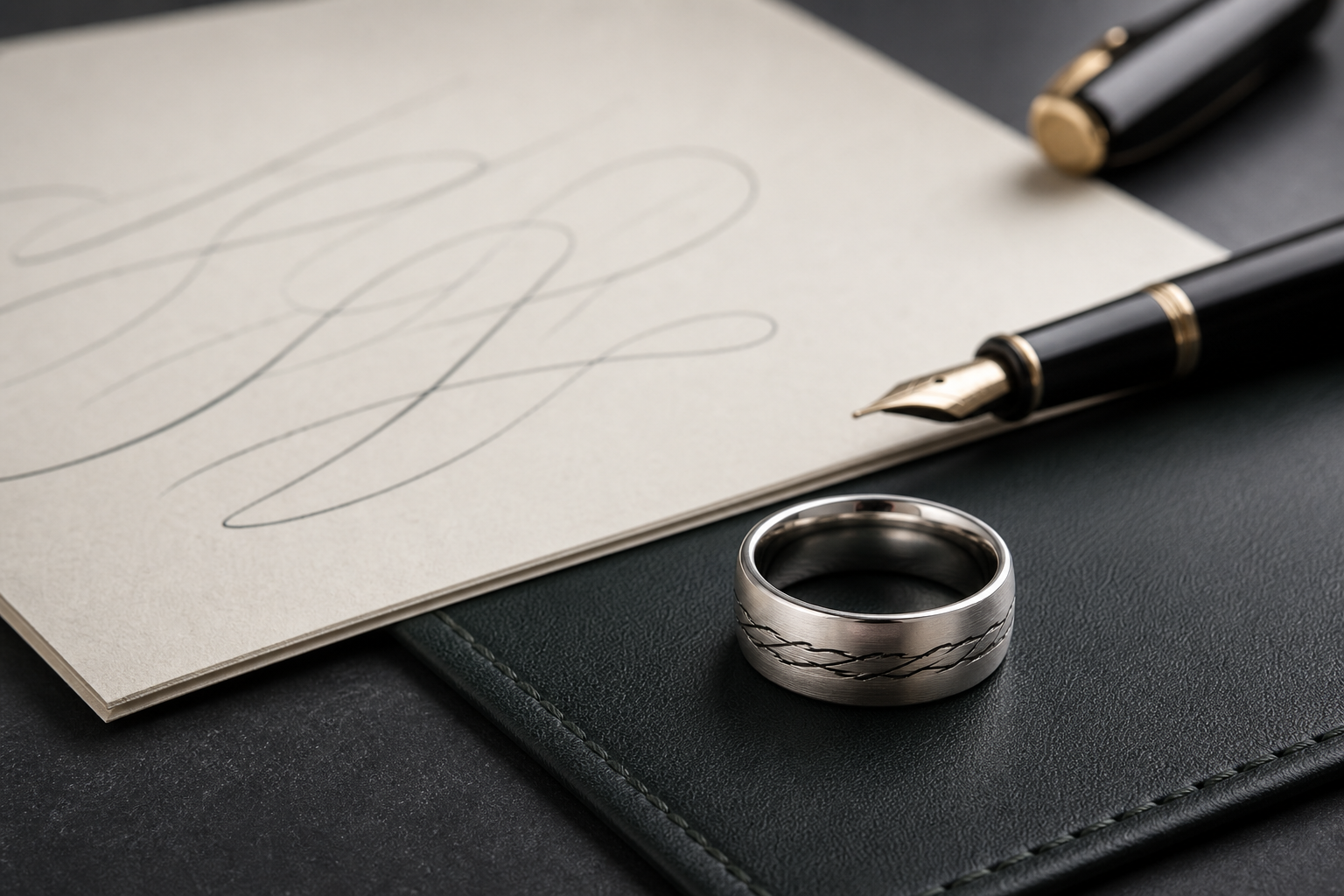
Do not add a name, date, prayer, flower, or handwriting line until the print itself passes the readability test. Supporting details should wait until the source mark has earned its space.
A useful test is to shrink the image on screen and step back. If it still feels like a fingerprint instead of a gray texture, the ring has a better chance of reading cleanly.
When two possible sources are close, choose the one with cleaner ridge separation over the one with a more complete outline. Engraving rewards clarity more than completeness.
Bring the original file, the best crop, the person's name, dates, and one note about why the print matters into the Friends of Irony designer.